01Historical face quiz
Gallery of Faces
A recognisable portrait is drawn line by line before the answer lands.
Saved channel lookWalnut ground · gold frame · editorial serif · one recurring question
Photoreal engravingPortrait quiz48 sec
01
02
03
Make a whole channel on your own PC
Turn your images into satisfying art, reveal and explainer videos. Find a look you love, save it for your channel and make the next six months in one session.
One payment. No subscription. No render credits.
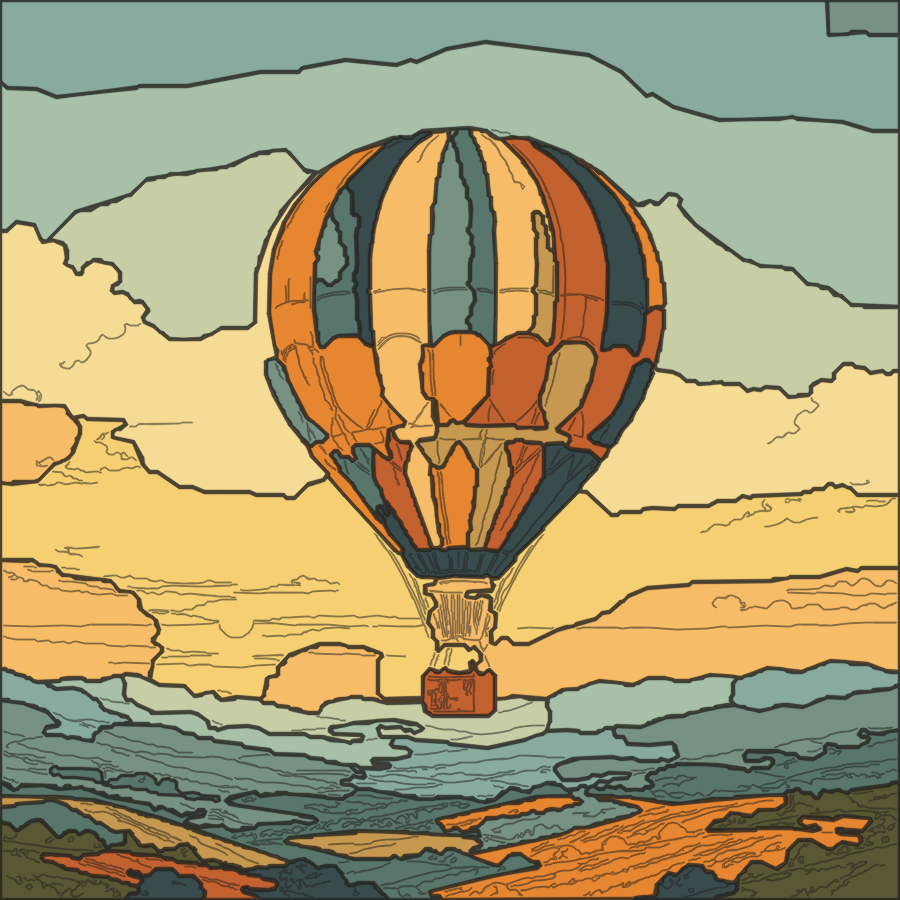
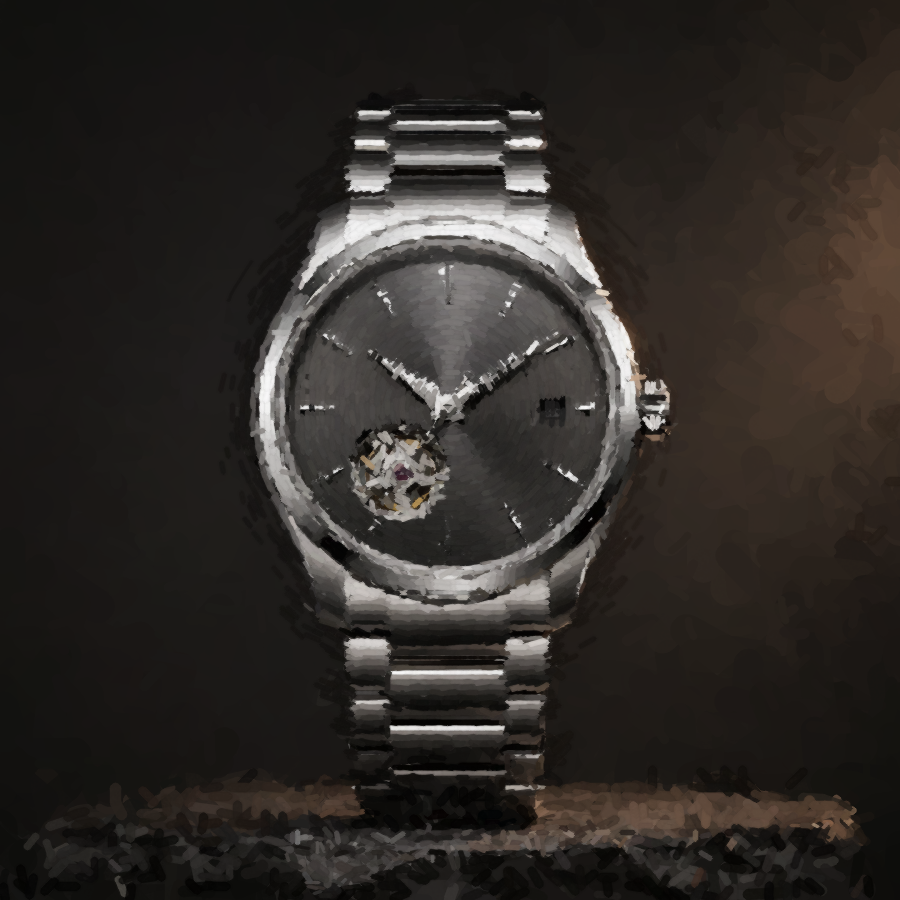 Two real results from the app
See the complete app
The film follows real videos from the first image to a saved channel look and a six-month content plan.
Why I built it
EtchMotion started as a small experiment with portraits. I kept rebuilding it until the lines felt deliberate, the darker areas were really drawn and the final image stayed recognisable.
Then it became something more useful: a way to find a visual style, save it and turn one good idea into a complete channel without paying for every render.
Six channel ideas · three finished videos each
See how one saved look stays recognisable across several episodes. Play any example to watch a finished video made in EtchMotion.
A recognisable portrait is drawn line by line before the answer lands.
First the colouring page is drawn. Only then do the regions come alive.
A destination assembles tile by tile; the city is the answer.
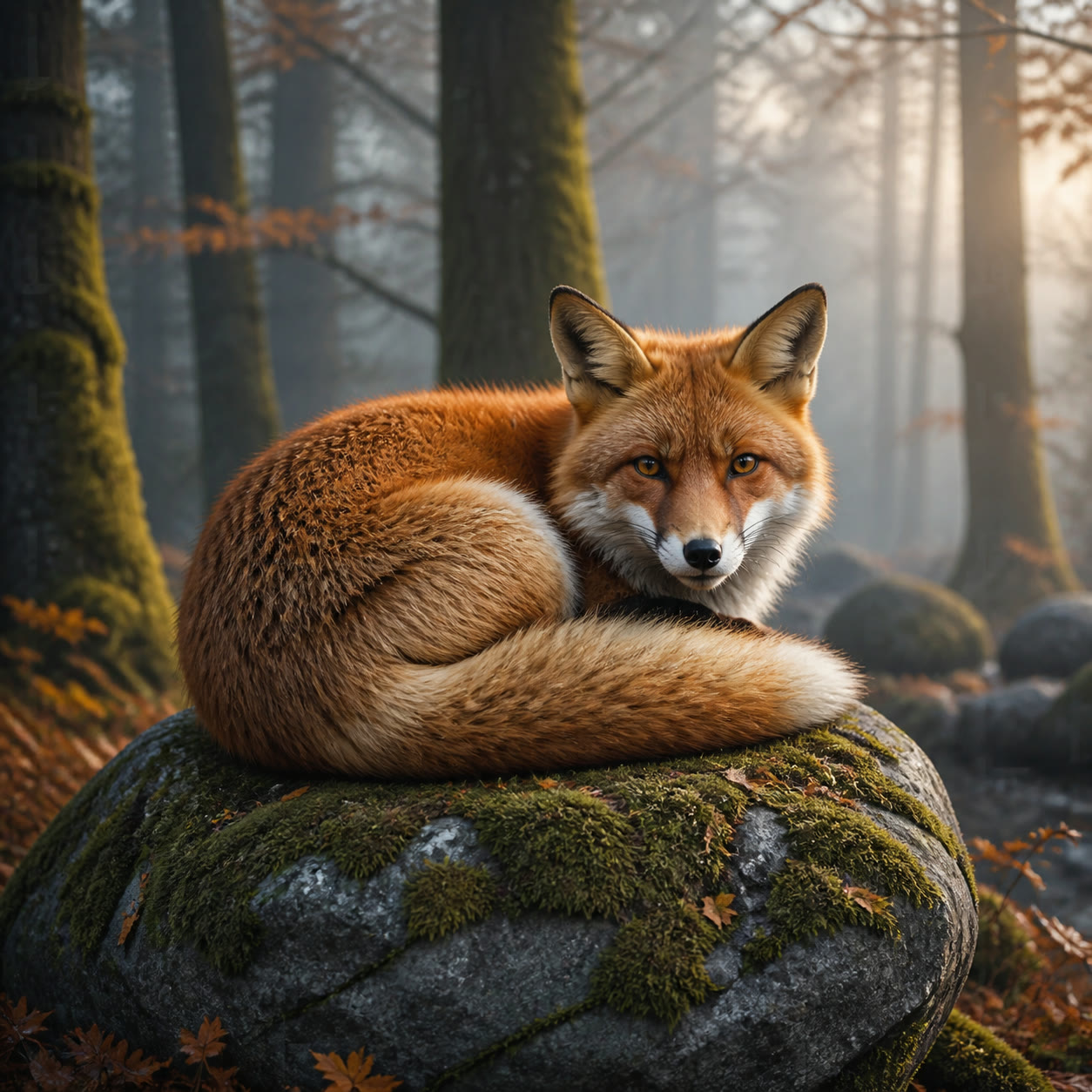
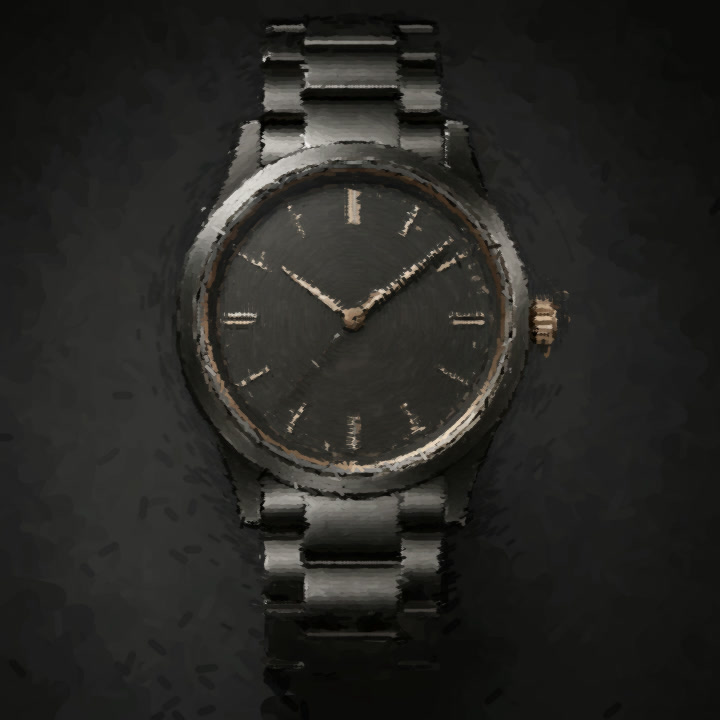
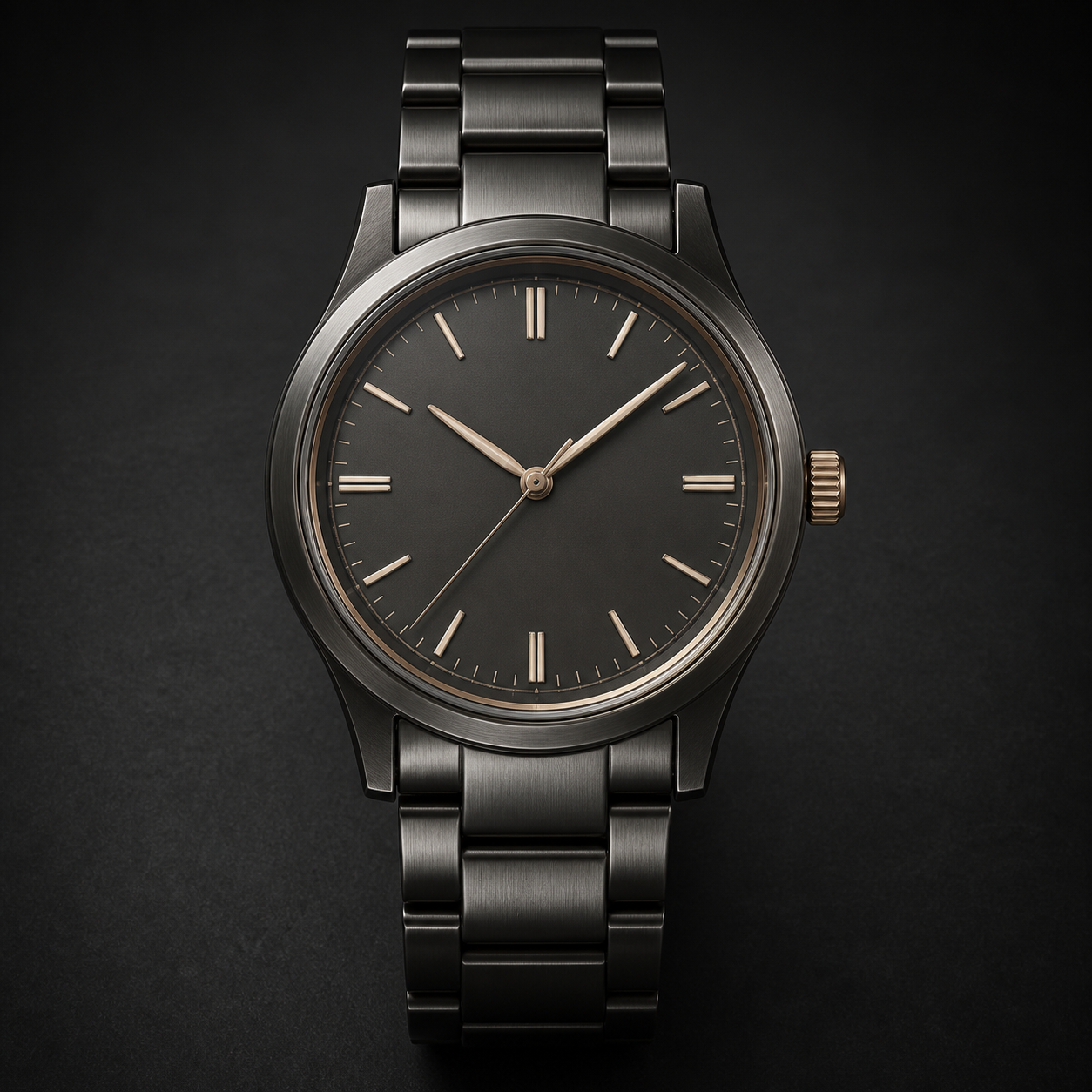
Hard surfaces, glass and fine mechanisms are built from recorded paint strokes.
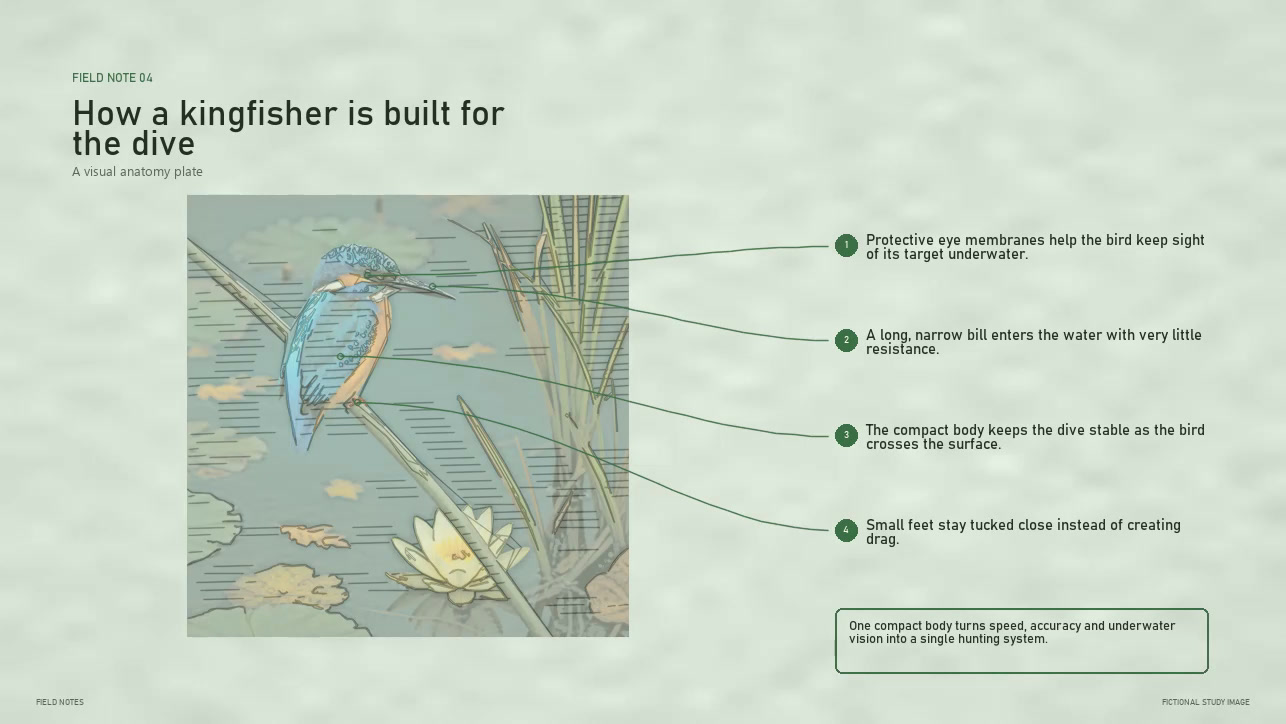
A subject is sketched, then each spoken fact is connected to the right detail.
A damaged family photograph is physically repaired and returned to colour.
These are eighteen finished videos from the app. The channel names are fictional, so you can focus on how clearly each look repeats from episode to episode.
One simple route
You do not need to understand every setting. Start with a real preview, keep what feels right and let that choice guide the rest of the channel.
Try a few real motion previews with your own image. Compare the feeling, pace and final result.
Find the version you would actually publishSave the exact visual and audio choices as a named Channel Style. Use it again without rebuilding the recipe.
Your style stays editable and versionedPlan up to twenty-six weeks, review the sources and render a production batch locally when you are ready.
Titles, descriptions, dates and CSVSix ways to make a video
Compare each result with the image that went in. Pick the process that makes your idea worth watching.
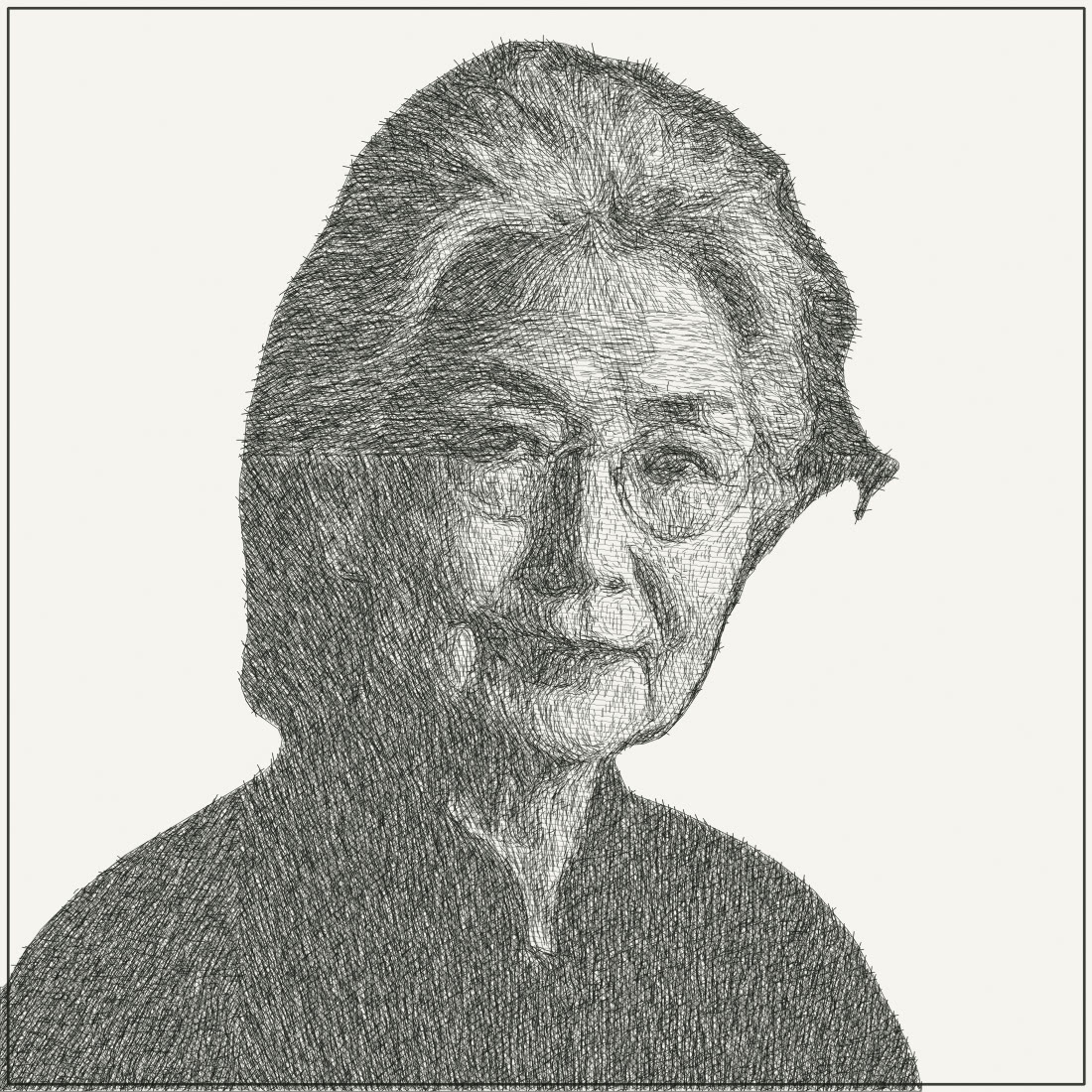
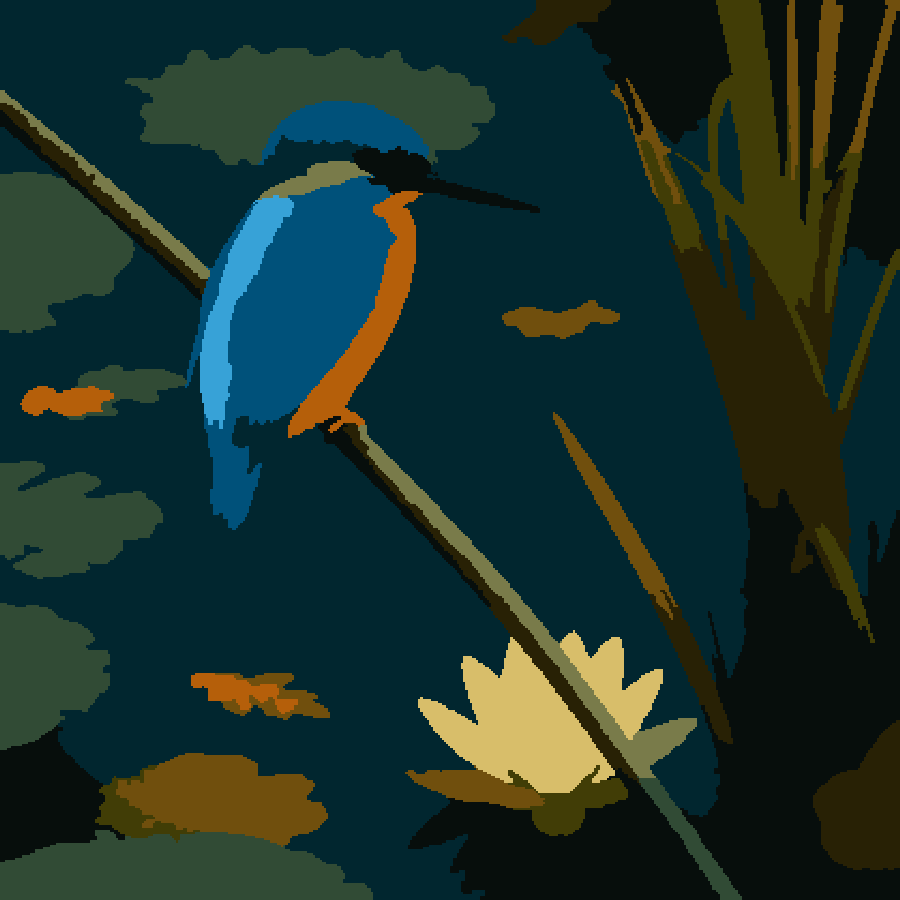
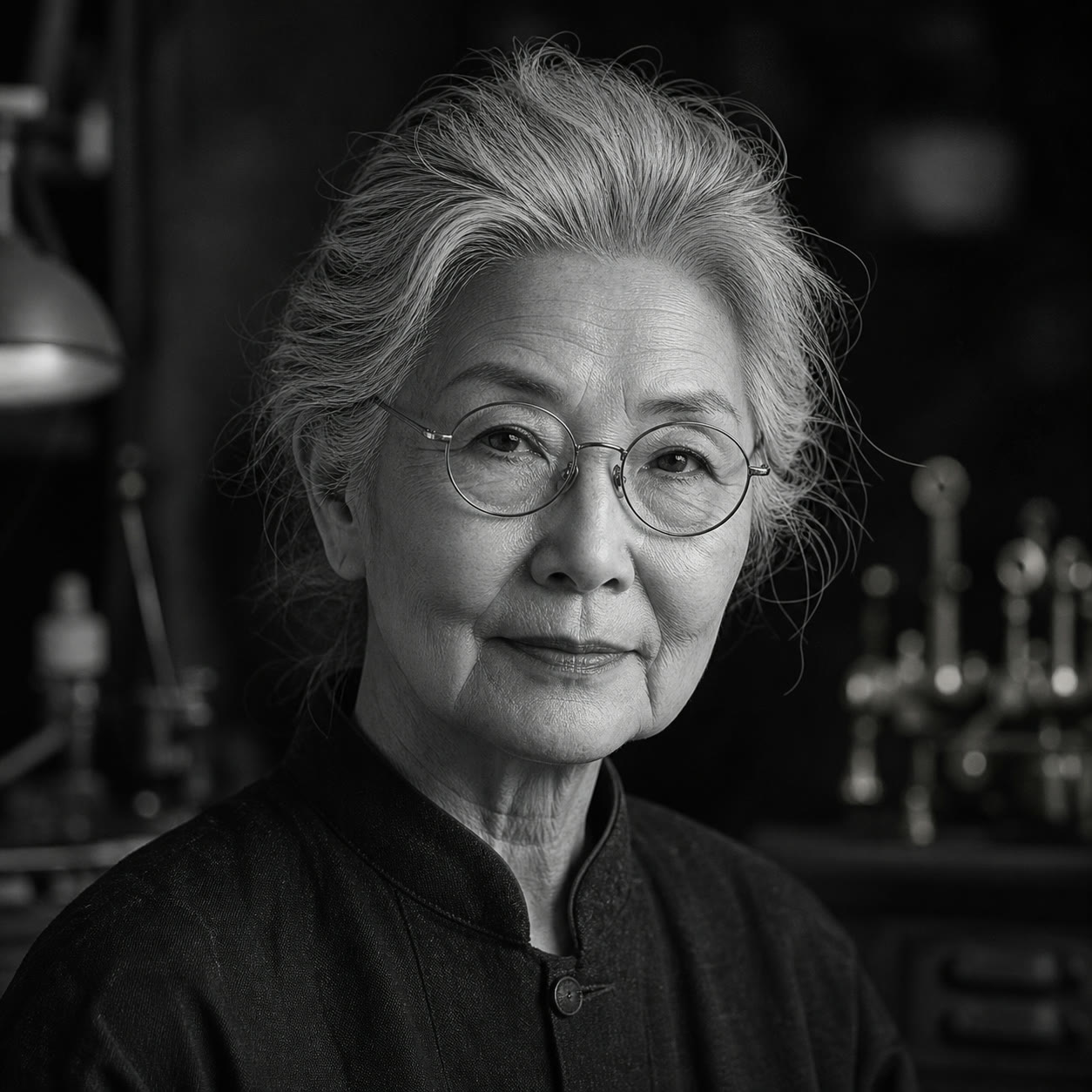 source
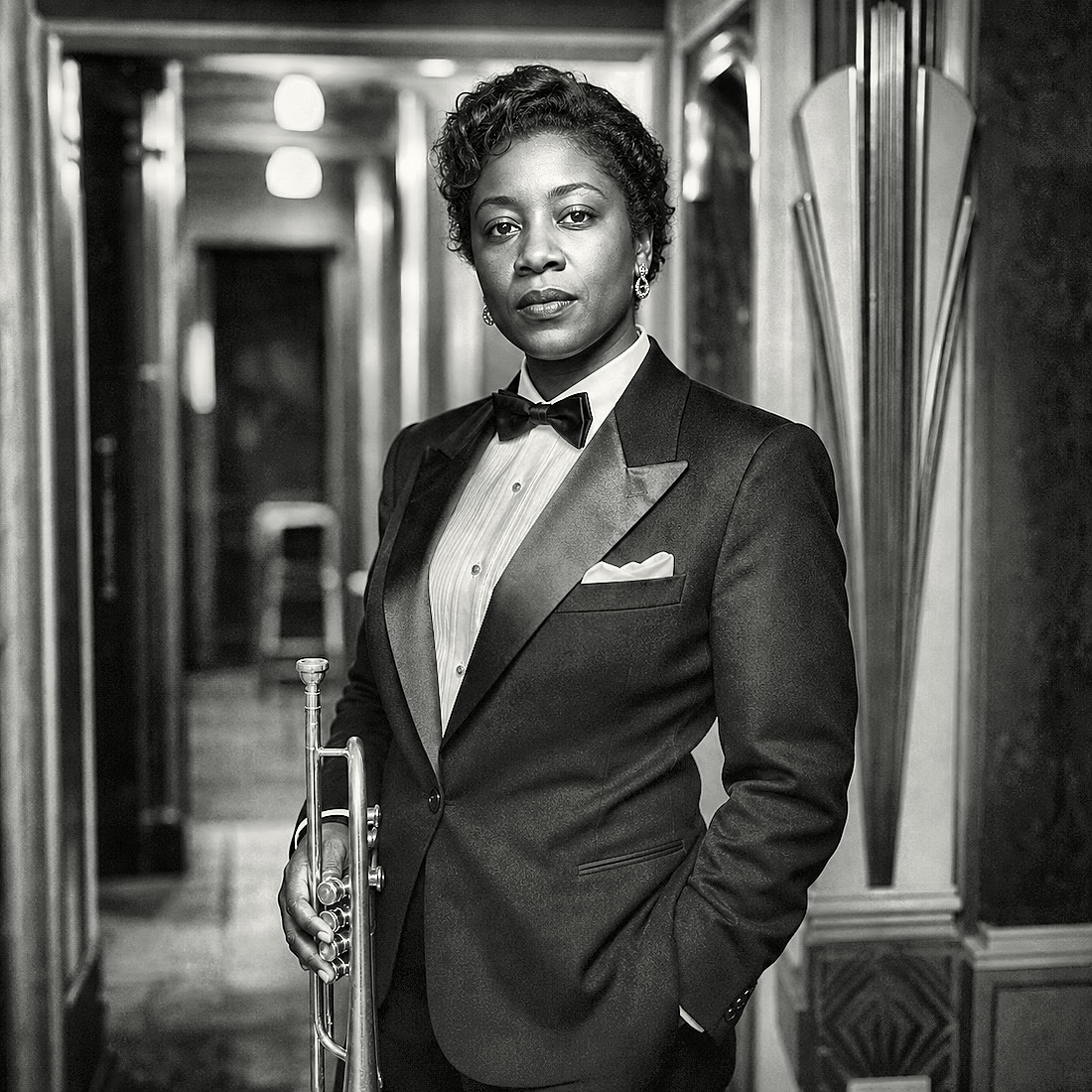
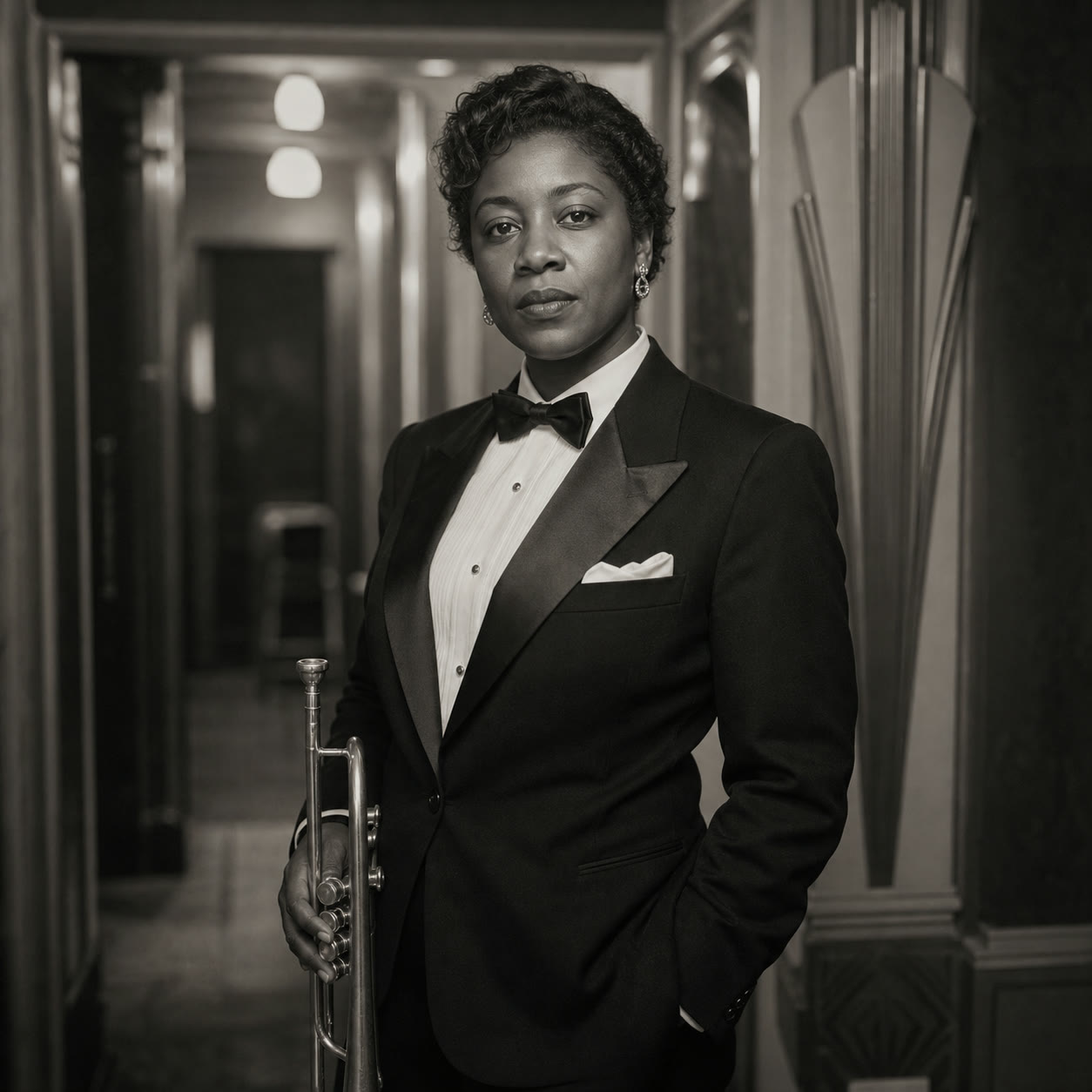
Watch a recognisable portrait appear line by line before the final reveal.
 source
Turn an image into a colouring page, then bring it to life one calm area at a time.
 source
Begin with an aged print, repair it on screen and slowly bring back the detail and colour.
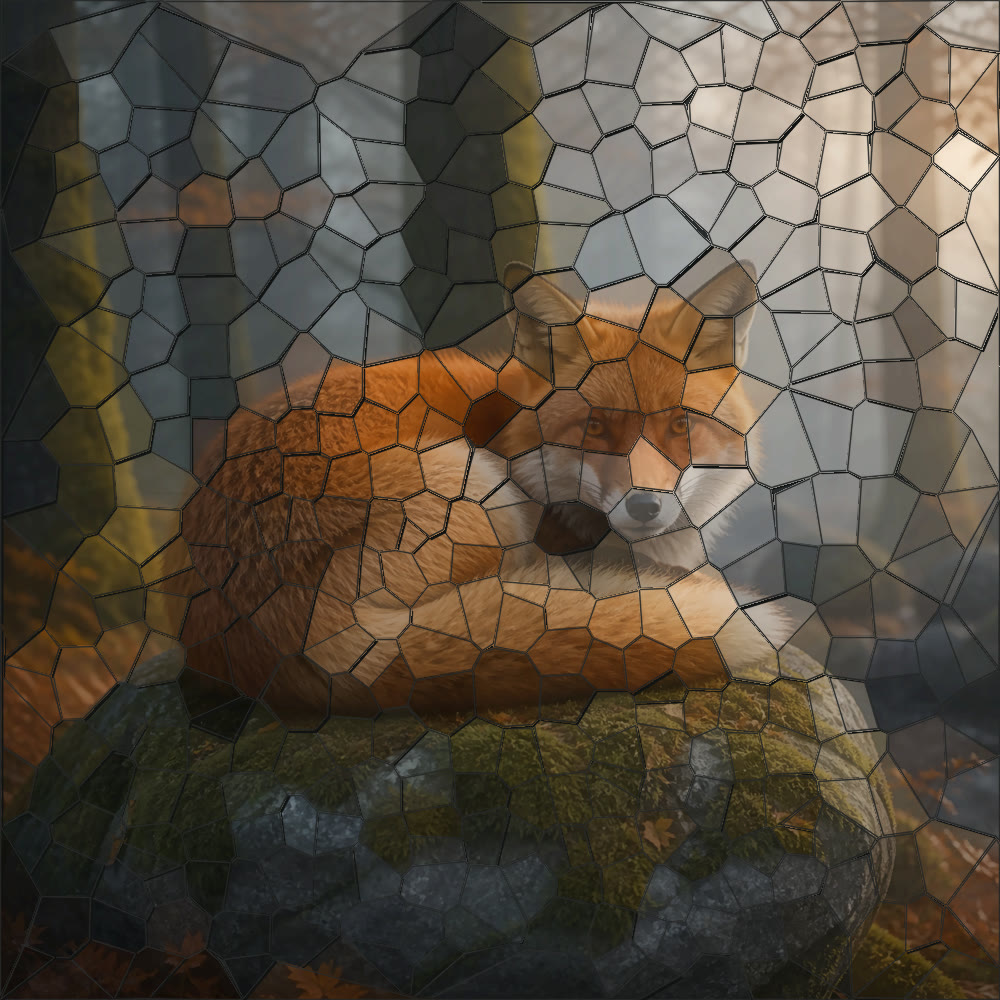
 source
Build the image from hundreds of ceramic pieces, starting around the details that matter most.
 source
Paint the image from the first rough shapes through to detail and final highlights.
 source
Draw the subject first, then explain it point by point with arrows, labels and an optional narrator.
Your saved Channel Style
Save the settings that made your pilot work. EtchMotion carries them into the next video, the next batch and the longer story you build later.
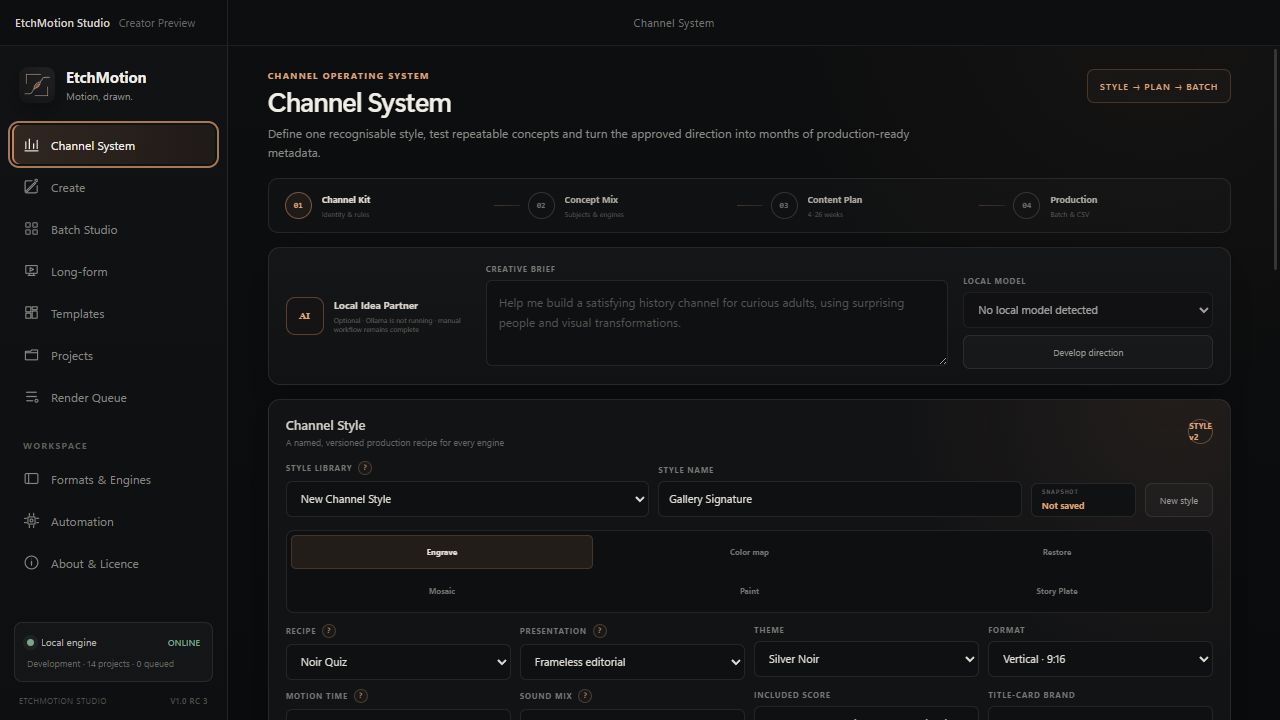
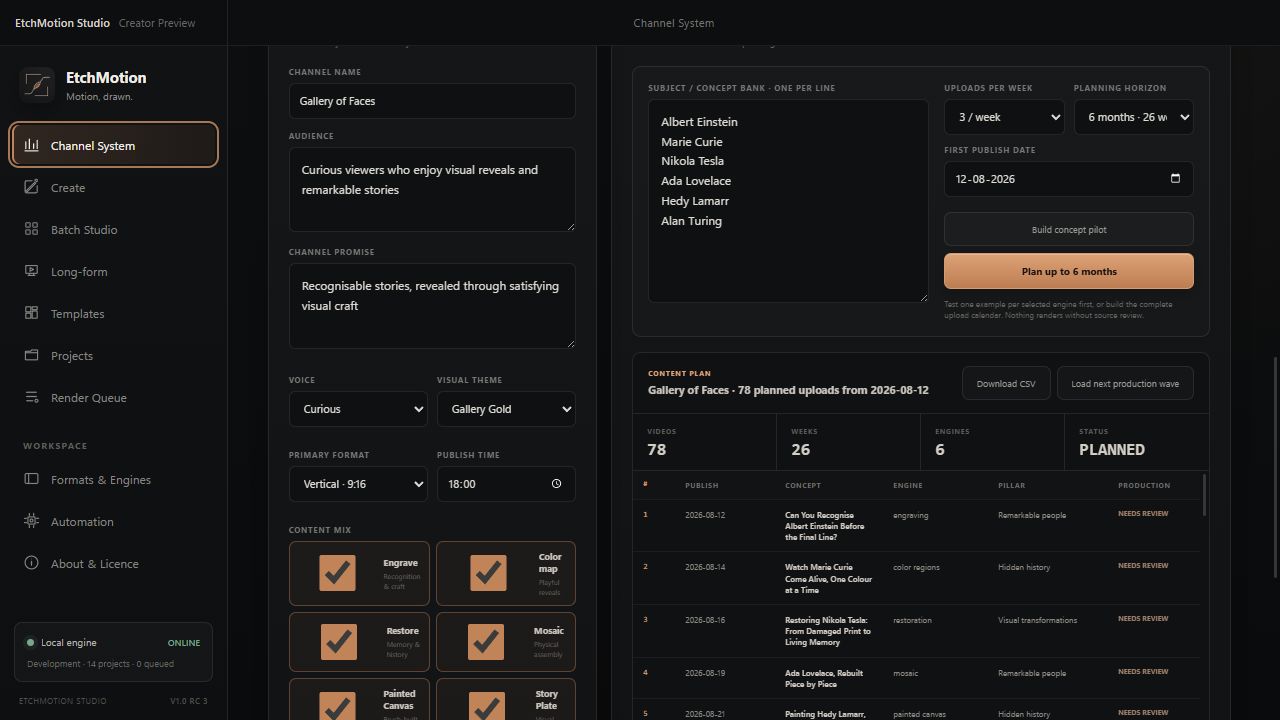
Useful beyond one type of channel
Use one recognisable style for a quick reveal, a product story or a complete chapter in a longer video.
Guess-who and quiz reveals
History, science and fact channels
Product and craft stories
Museum and archive content
Explainer scenes and chapter art
Campaigns with one recognisable visual language
Not only for shorts
Choose the scene order, keep one look and add continuous music. Narrated explanation scenes keep their timing. If you connect your own AI agent, it can help with ideas and batches, while you still approve what gets made.
EtchMotion Studio launch edition
You buy the Windows app once and keep using that version. There is no subscription and EtchMotion does not charge per video.
Straight answers
Yes. You pay once and keep using the version you bought. There are no render credits or required monthly fees. The founder price is €59 for the first 25 licences; the planned regular price is €89.
Not by default. Start with your own image, choose a reusable image found in the app, or bring in art from the image tool you already use. EtchMotion turns it into a repeatable video style.
Yes. The art, voice-over, batch queue and final videos are made on your Windows PC. Image search or an AI you choose to connect may use the internet, but EtchMotion does not charge for cloud rendering.
Yes. Put two to twelve scenes in order, add chapter cards, narration and continuous music, then export one complete video.
No. EtchMotion prepares renders and upload-ready CSV metadata. You stay in control of source review and publishing through YouTube Studio or your chosen scheduler.